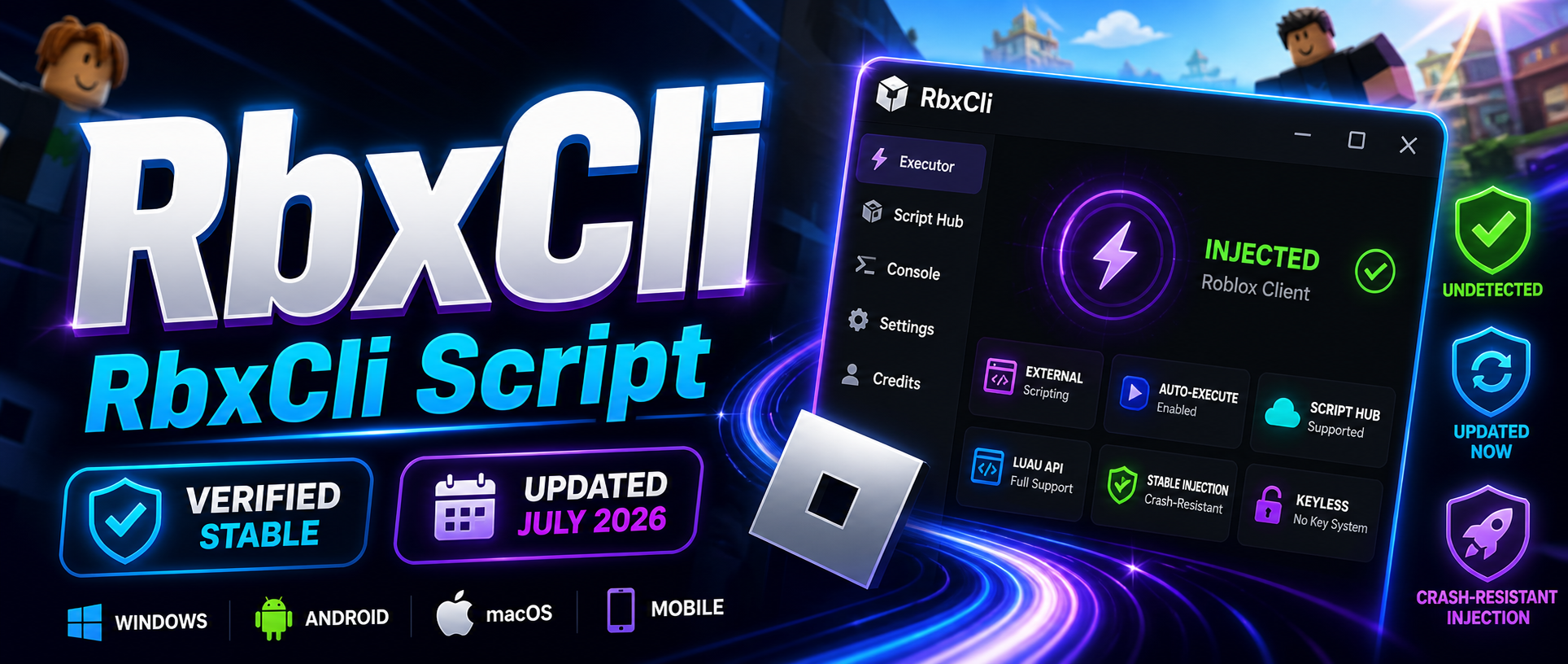
RbxCli Executor
RbxCli Executor External Scripting Environment
RbxCli is an external Luau scripting environment for Roblox that provides direct API access and script execution from outside the game client. It targets users who need a technical scripting surface rather than a simple one-click injector, applying an external model that runs alongside the running Roblox process.

Core Features
The environment centers on correctness of every operation performed externally. Main functions and modules include:
- An overlay UI attached to the game client with a draggable in-game interface.
- A Luau API surface with instance and data type support plus standard library coverage.
- Type definitions for editor and LSP use, and raw reflection data export.
- Script-owned tabs, tab registration and removal, and clear or reset of UI state.
- Proxy lifetime handling with a loud error model that surfaces failures instead of hiding them.
- Script hub integration and auto-execute for repeatable workflows.
Compatibility
The external design is documented for desktop use, with Windows as the primary platform. Android and macOS appear in surrounding executor discussion, so device support should be confirmed against the current build before use. PC behavior and mobile behavior differ: the overlay and reflection tooling are oriented toward a full desktop client, and mobile support is not guaranteed at parity. Verify platform support against the docs and status page rather than assuming a single build covers every target.
Updates
As an external tool interacting with a live Roblox client, the build depends on ongoing maintenance to stay working after client updates. Injection and script execution can break when Roblox patches its runtime, so the practical questions are whether the current build is updated and whether the detection status is published. The project favors a documented, status-tracked approach, exposing concrete feature coverage, API scope, and lifecycle behavior instead of vague claims. Check the published status before relying on any specific version.
Key Capabilities
- Keyless workflow: documentation describes a no-key access model, reducing key-system friction during setup.
- Injection behavior: an external attach model with crash-resistant injection claims focused on stable operation.
- Script hub navigation: load and organize scripts through integrated hub support and script-owned tabs.
- Auto-execute: run selected scripts on attach for consistent session startup.
- Editor tooling: type defs and reflection data support a portable, loadstring-style workflow with proper autocomplete.
- Working-build tracking: a live detection status reference for confirming whether the environment is currently operational.
Compared with tools such as Ronix Executor, Valex Executor, Synapse X, Krnl, Fluxus, and WeAreDevs-based options, the differentiator is transparency: documented API scope and status reporting over marketing. Confirm the current detection status, platform support, and update notes before running any executor.
